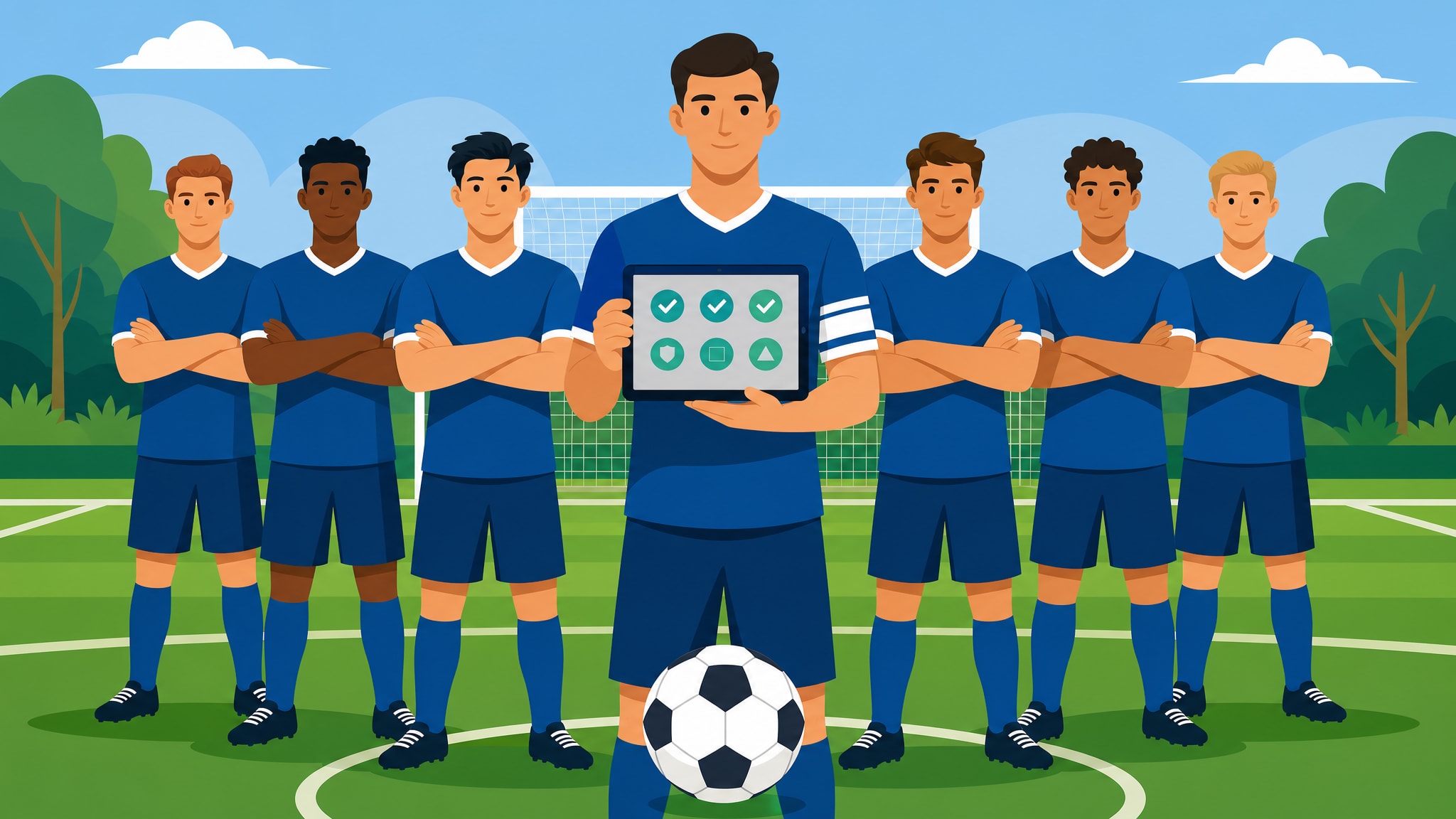
How to Share Organizer Duties in a Weekly Football Group
Running a weekly game is easier when you delegate. Learn how to define admin roles, assign responsibilities for kit and money, and set up backup organizers.
Indice
The most successful weekly football groups are rarely a one-man show. While most games start with a single motivated individual, the groups that last for years are those where responsibilities are shared across a small committee of players.
When you share football organizer duties, you ensure the game survives if one person is ill, on holiday, or simply busy with work. It also creates a sense of collective ownership that improves player retention.
Define Specific Football Group Admin Roles
Don't just ask for "help." General requests for assistance usually result in no one stepping up. Instead, break the workload into specific, manageable roles with clear boundaries.
1. The Communications Lead (Comms)
This person is the voice of the group. Their job is to ensure the match is created and players are invited.
- Key tasks: Setting the RSVP deadline, sending reminders, and confirming the final list of players.
- Practical tip: In FootDraw, you can assign this person as a co-organizer so they can manage the match status and attendance without needing your personal login.
2. The Treasurer (Money Manager)
Handling money is often the most stressful part of organizing. Separating this role from the person booking the pitch provides a layer of transparency.
- Key tasks: Tracking who has paid, chasing debts, and ensuring the facility is paid on time.
- Practical tip: Use a dedicated banking app or a shared digital pot to keep football funds separate from personal finances.
3. The Fixtures and Pitch Officer
This role involves being the primary point of contact for the leisure center or pitch provider.
- Key tasks: Confirming weekly bookings, handling cancellations due to weather, and managing any long-term block-booking renewals.
- Practical tip: This person should keep a digital copy of the booking confirmation to show the venue staff if there is ever a double-booking dispute.
4. The Kit and Equipment Manager
Every group needs someone reliable to ensure the physical game can actually happen.
- Key tasks: Bringing bibs and balls, ensuring balls are pumped, and occasionally washing the bibs.
- Practical tip: If the group uses a communal bag, this person should be the one who lives closest to the pitch or has the most reliable transport.
Setting Up Co-Organizers and Permissions
Modern organization shouldn't rely on a single person's phone. Use digital tools to grant permissions to your admin team.
In FootDraw, you can add other players as organizers. This allows them to:
- Create and edit matches.
- Manually adjust teams if the generated balance needs a slight tweak.
- Record goals, assists, and MVP votes after the whistle.
- Update player ratings (on the 0–100 scale) to keep the football team generator accurate.
The Handover Checklist
Delegation only works if the person stepping in has the right information. If a co-organizer is taking over for a week, they need a simple handover package:
- Venue Access: Gate codes or the name the booking is under.
- Emergency Contact: The phone number for the pitch manager.
- Player List: Access to the current RSVP list to handle last-minute dropouts.
- Equipment Location: If the kit isn't already with them, a clear plan for where to pick it up.
Why Backup Admins are Essential
Every group should have at least two people with "owner" level access to any apps, bank accounts, or booking systems.
If the primary organizer is suddenly unavailable, a backup admin prevents the group from being locked out of their own systems. This isn't just about workload; it's about the security and continuity of the game. A group that depends entirely on one person's phone is one lost device away from a cancelled season.
Rotating Responsibilities
To prevent any one person from feeling stuck in a role, consider rotating football group responsibilities every season (e.g., every 12 weeks). This allows players to try different roles and ensures that multiple people know how to perform every task required to keep the game running.
Pronto a organizzare la tua squadra di calcio?
Crea squadre equilibrate, organizza partite e monitora le statistiche — tutto in un unico posto.
Crea squadra