Best App to Manage a Five-a-Side Group
Find the best app to manage a five-a-side group with automated team balancing, RSVP tracking, and season stats in one place instead of multiple tools.
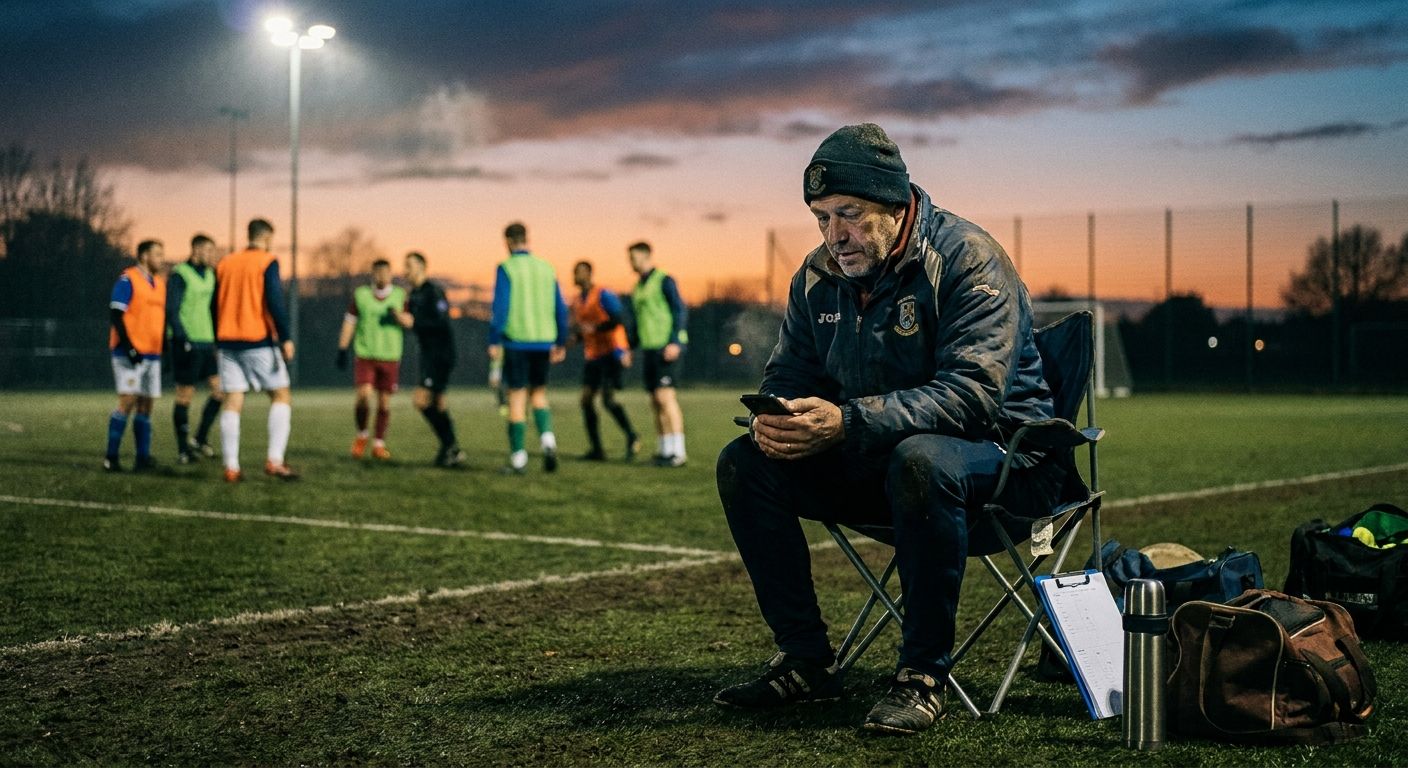
Running a five-a-side group sounds simple until you're the one doing it. You're chasing replies in a group chat, guessing who's actually turning up, and picking teams on the spot while ten players stand around waiting. If you're looking for the best app to manage a five-a-side group, the real question isn't which app sends the most reminders. It's which one solves the problems that make organizing exhausting in the first place.
What to Look for in a Five-A-Side Group Management App in 2026
Most comparison lists judge apps on scheduling alone: can it send a poll, can it collect RSVPs, does it nag people who haven't replied. That's table stakes. A proper five-a-side group management app in 2026 needs to do more than remind people about kickoff time.
Before naming names, it helps to set clear criteria. Five things matter: RSVP handling, automated team balancing, stats tracking, season history, and price. Judge every app, generic or dedicated, against all five. Most fall down on the second one.
Team Balancing vs. Just RSVPs
Getting people to say yes is only half the job. Someone still has to split the group into two teams that are actually fair. Do it by eye, week after week, and you'll end up with the same strong five stomping the same weak five.
Weekly five-a-side groups lose regular players over unfair or repetitive team splits more often than captains admit. It's a recurring complaint in amateur football communities, and it's rarely about ability. It's about the same faces always ending up on the winning side.
This is exactly where most comparison listicles go quiet. They compare notification settings and calendar sync but skip whether the app can build a fair match. If fairness matters to your group, a dedicated team balancer app should be part of the conversation, not an afterthought.
Stats, History, and Long-Term Group Health
A group that plays every week for a season builds up a lot of useful information: who's on a scoring streak, who's missed the last three games, who always ends up on the losing side. Most apps throw that data away the moment the match ends.
Keeping season history does two things. It gives you a fairer basis for picking teams next time, and it gives players a reason to keep showing up. A quick way to see who's actually improving matters more than most captains realize. That's part of why tracking player stats over a season belongs on your checklist alongside RSVPs and reminders.
The Best Apps to Manage a Five-a-Side Group, Compared
Here's the honest comparison, feature by feature, starting with the tools most groups already use before looking for something better.
General-Purpose Chat and Scheduling Apps
WhatsApp and similar group chats are the default starting point for almost every five-a-side group. They're free, everyone already has them, and setting one up takes thirty seconds. The problem is that a chat thread was never built to manage a sports team.
RSVPs get buried under banter. Someone has to manually count replies, then pick teams separately, usually in their head or on paper. A typical five-a-side organizer ends up juggling three separate tools before they get fed up: a group chat for RSVPs, a spreadsheet for stats, and a notes app for tracking who owes match fees.
Shared spreadsheets fix the stats problem but add a new one: someone has to maintain them, and nobody ever agrees who that someone is. Generic scheduling apps like Doodle handle the polling part well but stop there. They tell you who's coming. They don't tell you what to do with that list once everyone's confirmed.
None of these tools were built for football specifically, so none of them handle team balancing. That gap is why so many captains eventually go looking for an RSVP app built for football teams instead of duct-taping three generic tools together.
Dedicated Football Organizer Apps
Dedicated apps for managing amateur football teams close some of these gaps. Most handle RSVPs cleanly, with one-tap confirmations and automatic reminders that don't get lost in banter. Many also let you track basic attendance history, so you can see who's a regular and who's a maybe.
Where dedicated organizer apps still vary is team balancing and deeper stats. Some stop at attendance tracking and leave team selection to the captain's judgement on the day. Others fold in payment tracking or venue booking but treat team fairness as a nice-to-have rather than a core feature. It's worth comparing tools on the same criteria grid, not just their marketing pages, before you commit a whole group to one.
FootDraw: The Football Organizer App Built for Team Balance and Stats
FootDraw is used by over 1,000 amateur teams worldwide to run five-a-side and pickup games without spreadsheets or group-chat chaos. It's built around the same criteria this roundup has been using: RSVPs, balancing, stats, and history, in one place instead of three.
Where FootDraw differs from most of the general and dedicated tools above is that team fairness isn't a bolt-on feature. It's the starting point.
Automated Balanced Team Generator
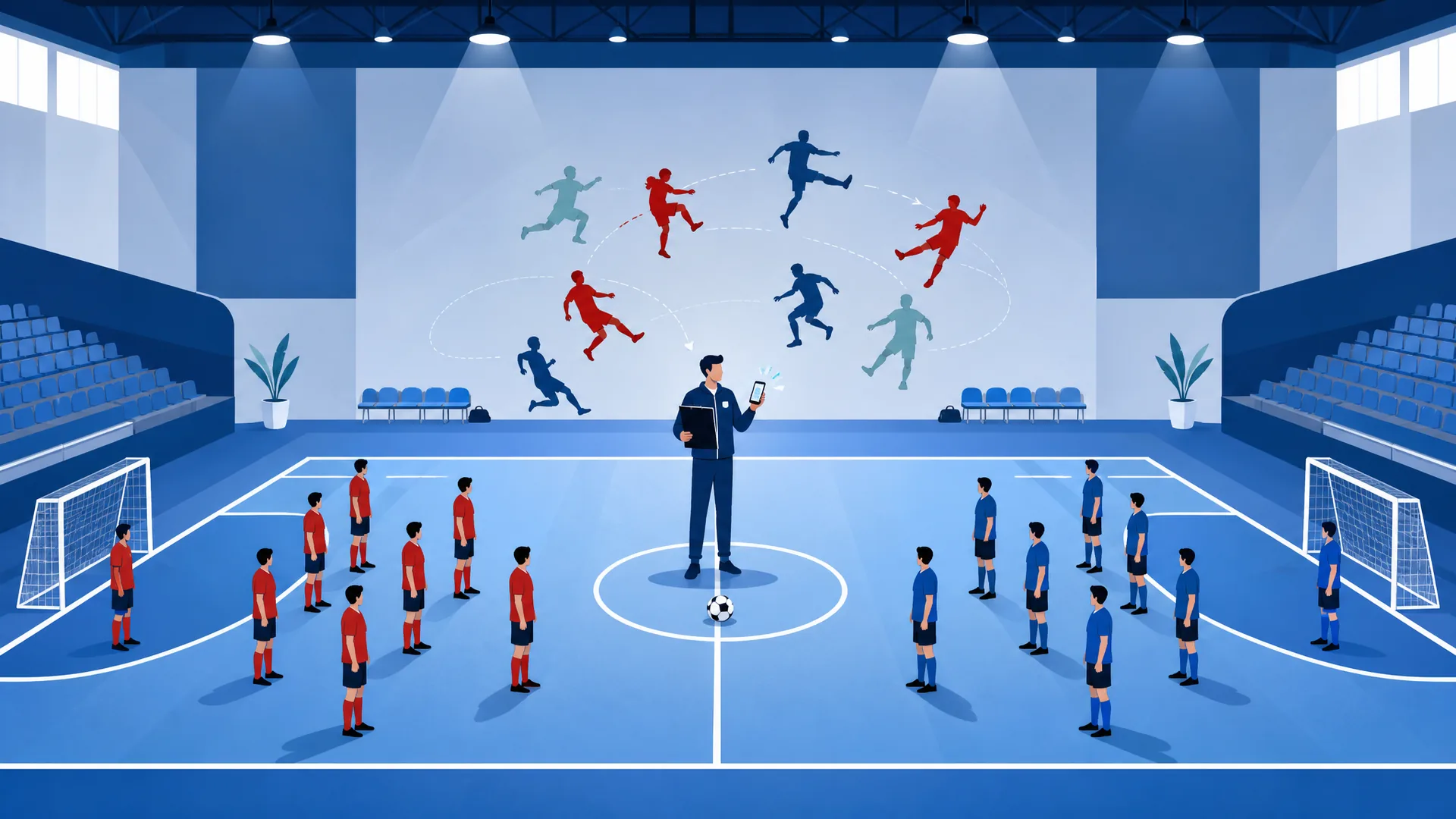
FootDraw's balanced team generator builds teams automatically based on the players confirmed for that session, not just a random split or whoever the captain remembers as "the good ones." That removes the guesswork that leads to lopsided scorelines and the same regulars dominating every week.
Captains who switch from manual team-picking to an automated balancer typically report fewer post-match arguments about one-sided games. It's a small change that removes a recurring source of friction in weekly groups. If you've dealt with the post-match grumbling about a 9-2 scoreline, splitting players into fair teams without arguments is the problem this actually solves.
RSVPs, Match Organizing, and Season History
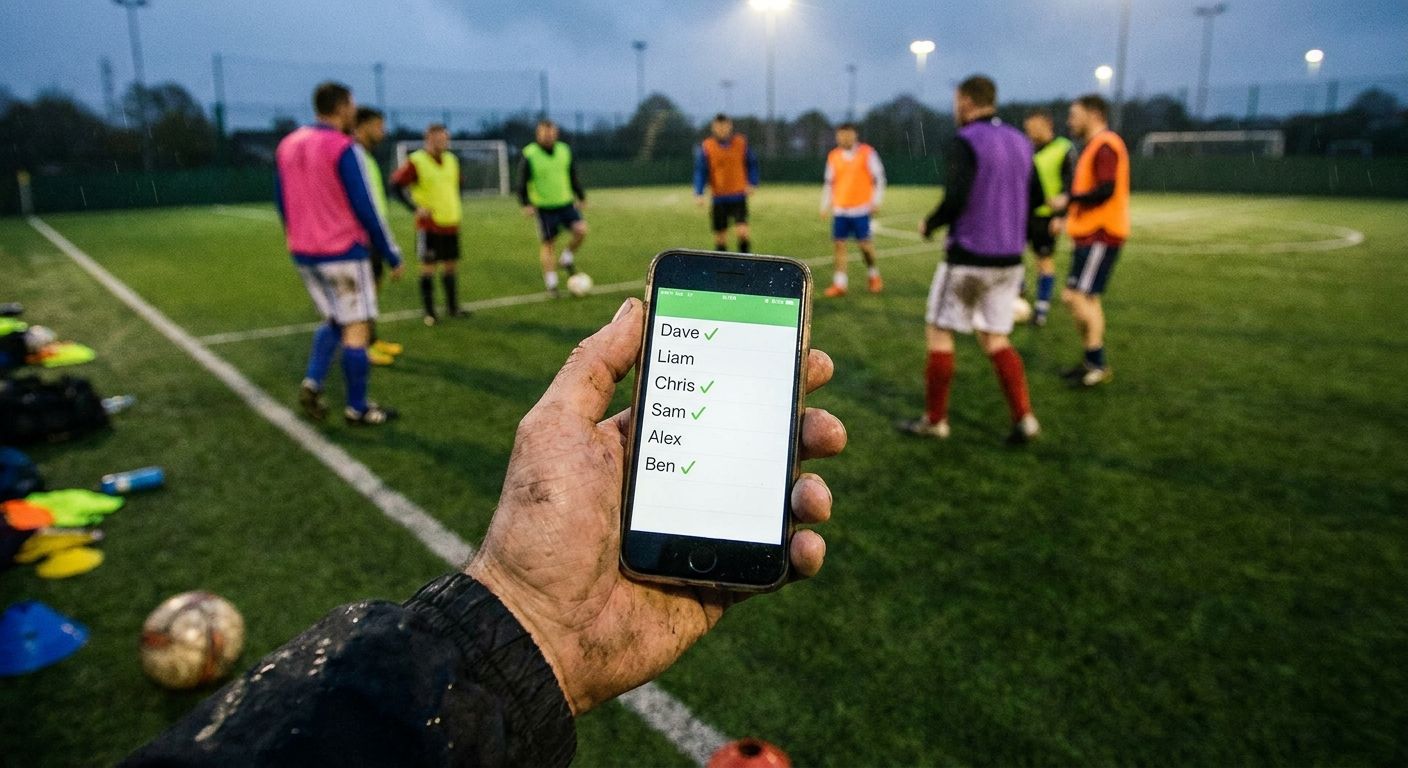
FootDraw also does the basics well: players confirm attendance in one tap, captains see who's in and who's out at a glance, and reminders go out automatically instead of the captain chasing replies manually. That handles the RSVP side without a separate chat thread doing double duty.
Beyond attendance, FootDraw tracks stats and season history for the whole group, not just a single match. Captains can see who's played the most, who's on a scoring run, and how the same group has performed over a full season. It's a five-a-side team organizer app built for groups that want to stop rebuilding this information from scratch every Sunday.
For a group that's been running on a shared spreadsheet, ditching the spreadsheet for team management usually means someone stops being the unofficial admin who has to update it every week.
5-A-Side Management Tool Comparison: Which One Fits Your Group
Not every group needs the same tool. The right pick depends on how competitive the group is and how much the results actually matter to the people playing.
Casual Weekly Kickabouts
If your group is genuinely casual, eight to twelve mates who just want a run-around and don't much care who wins, a group chat with a poll might be enough. The stakes are low, and nobody's tracking a season's worth of stats for a laugh on a Tuesday night.
Even here, though, team balancing helps more than people expect. Nobody enjoys being on the team that loses every week by a landslide, even in a casual kickabout.
Competitive Amateur Teams and Leagues
For groups that play regularly, care about form, and want the games to stay competitive week to week, the calculation changes. A group chat and a spreadsheet stop being "good enough" once players start noticing that teams feel rigged or that nobody's tracking who's actually turning up.
This is where a proper 5-a-side management tool comparison should include fairness and stats as core criteria, not extras. If your group falls into this category, it's worth checking FootDraw's pricing and seeing whether the free plan covers what your group needs before rolling it out to everyone.
Common Questions About Football Captain Apps
What features actually matter in an app to manage a five-a-side group in 2026? RSVP handling, automated team balancing, stats tracking, season history, and price. Most apps cover the first and last well; fewer cover balancing and long-term stats properly.
Is there a best football organizer app for 2026 that handles both RSVPs and team balancing? Yes. FootDraw covers both, combining one-tap RSVPs with an automated balanced team generator, rather than treating them as separate problems.
How do dedicated apps for managing amateur football teams compare to using WhatsApp or spreadsheets? Dedicated apps consolidate what a chat, spreadsheet, and notes app do separately into one tool. They also add features generic tools were never built for, like fair team splitting.
What makes a good football captain app beyond just sending reminders? A good captain app removes decisions from the captain's plate, not just tasks. It should build teams, track history, and surface stats automatically, so the captain isn't doing mental math every week.
Can a 5-a-side management tool comparison include team fairness, not just scheduling? It should. Fairness affects whether players keep showing up, which matters more to a group's long-term health than how the RSVP reminder is worded.
Is FootDraw free to try before committing a whole group to it? Yes. FootDraw offers a free plan, so a captain can test RSVPs, team balancing, and stats with their actual group before deciding whether to switch everyone over for good.
Bereit, dein Fußballteam zu organisieren?
Erstelle ausgewogene Teams, organisiere Spiele und verfolge Statistiken — alles an einem Ort.
Team erstellen