App to Track Football Team Injuries & Availability
Use an app to track football team injuries and availability. Flag players once to skip RSVPs and auto-balance teams with fit squad members only.
Your first-choice centre-back pulled a calf on Saturday. By Tuesday he's still getting the RSVP call like everyone else, he's padding the headcount, and the team generator can drop him onto a side. Nobody did anything wrong. The news just never reached the system.
That's the gap an app to track football team injuries and availability closes. You flag the player once. FootDraw keeps him out of RSVP calls and team generation until you mark him fit. Here is how it works, and where it stops.
Injured players still show up in RSVPs and team picks
A player who is out for weeks still gets every RSVP ping. If he taps yes out of habit or optimism, he's in your count. When you build sides, he's in the pool.
So you end up with ten names for a five-a-side, and one of them can't run. You find out at kick-off, which is when it costs the most.
Most captains cover for this with an injury list app that lives in their head. That works for one player. It stops working at three, or in the third busy week of autumn.
Why group-chat 'I'm out' messages get lost
Amateur squads rarely have physios or medical staff on hand, so you usually hear about an injury secondhand, in a message buried under kit photos, lift requests and an argument about Sunday's pitch. Even when you spot it, you have to remember it later, at the exact moment you send the next RSVP or build the teams, and nothing connects the message to either job.
That's the real problem with trying to track player injuries in a chat. The information exists. It just isn't anywhere you'll look when it matters.
Track football team injuries as a roster status, not a group-chat reply
Treat injuries the way you treat everything else about your squad: as data on the roster. The whole piece runs on two states.
- Flagged: the player is injured or unavailable.
- Fit: the player is available to play.
A flag holds across matches. It stays until you clear it.
A long-term injury is not a one-off RSVP no
An RSVP no answers one question: can you make this match? It expires with the match. Next week the same player gets asked again, and someone out for a month has to decline again, or says nothing and leaves you guessing.
A flag answers a different question: is this player in the pool right now? Because it lasts across matches, it fits long-term injuries, and it covers non-injury absences too, like a player who is away for work or gone for the season.
This is a player availability tracker for football squads, and it is not a rehab tool. It doesn't log diagnoses, suggest recovery plans or replace a physio. Injury news feeds and clinical trackers answer a different question from yours: a pro player's listing or a physio's notes won't tell you who can play your Saturday five-a-side.
Judge any tool you use for this on three tests:
- The flag persists until you clear it.
- Exclusion from RSVPs and teams is automatic, with no manual cross-checking.
- The season record survives, so a cleared flag doesn't erase the history.
FootDraw keeps the roster, RSVP collection and the balanced team generator in one platform, so an availability change is recorded once instead of across a group chat and a spreadsheet. If you already keep track of who's playing each week, the flag is the long-term layer that a weekly view misses.
Flag an injured player and drop them from RSVP calls automatically
You do this once per injury, from the roster, and it takes seconds. The payoff comes every week after that.
Mark a player unavailable from the roster
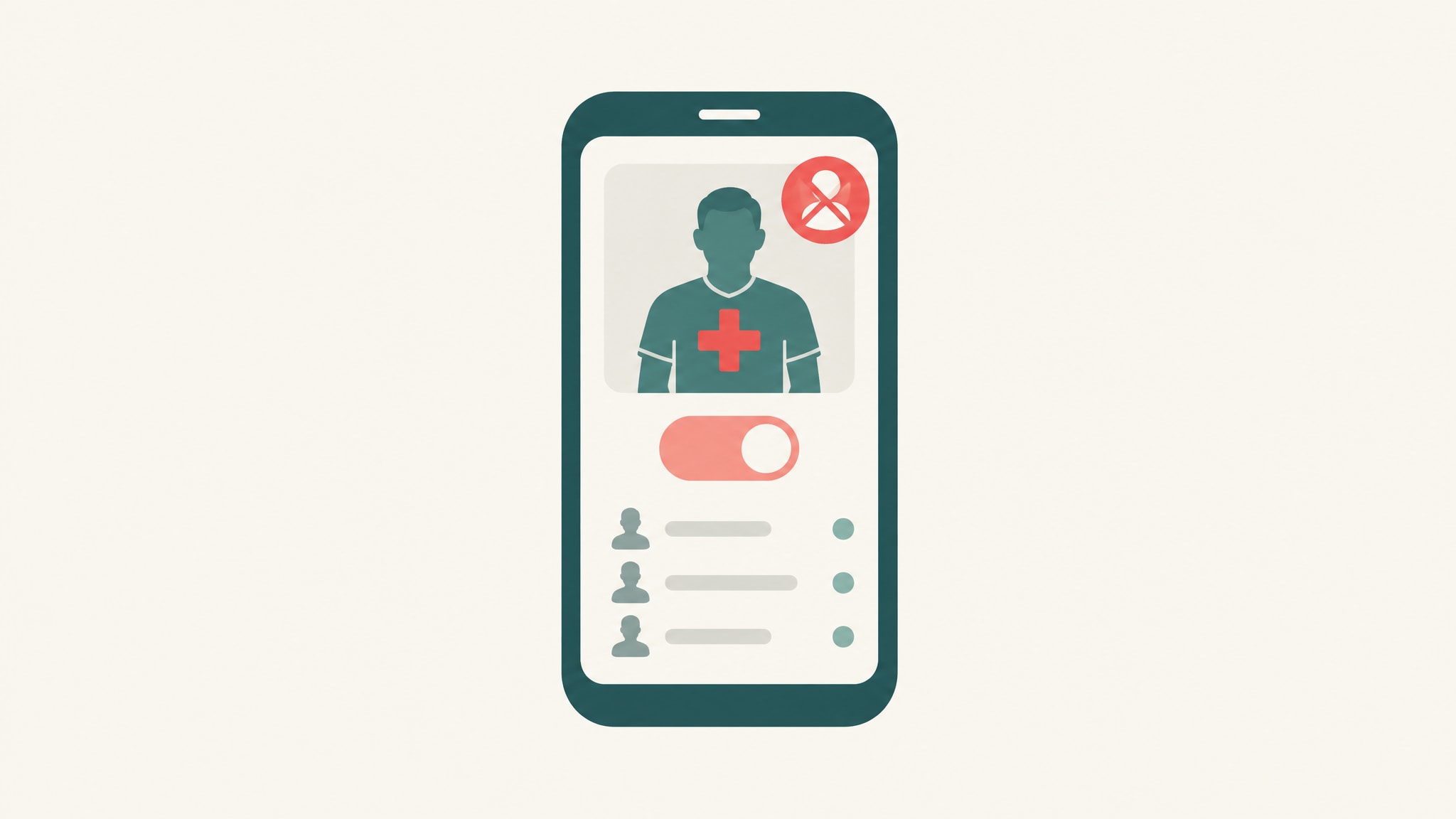
Open the roster, select the player and set his status to injured or unavailable. The flag controls two things: whether he's included in RSVP calls, and whether he's in the pool for team generation.
Take a typical case. Your first-choice centre-back pulls a calf on Saturday. Without a flag, he gets Tuesday's RSVP call and can end up on a side he can't play. With one status change, he stays off both until he's fit again.
Use "unavailable" for anyone out long-term for any reason. Use "injured" when it's an injury. Either way, the flag works the same.
What the next RSVP round looks like
The next time you send an RSVP round, the flagged player isn't in it. He doesn't get the call, he doesn't have to decline, and you don't have to remember to ignore his name when the replies come in.
The headcount reflects that. It counts only people who can play, so a count of ten means ten players who can actually take the pitch. You stop padding numbers with someone who was never going to show.
Chasing replies is a separate headache, and a football RSVP app that stops the chasing covers it in detail. The flag's job is narrower: making sure the right people are asked in the first place.
Build balanced teams from players who can actually play
Balance only means something if it's built from the players who'll turn up fit. A side balanced around an injured striker is lopsided before a ball is kicked.
Team generation skips anyone still flagged
FootDraw's automated generator builds sides from the available pool. Flagged players never enter it. Every team you generate comes from players who can play, so the balance you see on screen is the balance you get on the pitch.
You don't have to rebuild sides by hand at the touchline, and you don't have to remember who to remove first. If you want the basics behind the balancing itself, here's how to balance teams for pickup soccer.
Plan the balance when the squad is short
Say three key players are out. The generator now works from fewer names, and it can't invent depth that isn't there. It will balance the players you give it, but it won't fix a squad that's too small or too thin in the positions you need.
So flag early. Flag the day the injury happens, not the morning of the match, and you get days to line up cover rather than minutes. Then find a substitute when a key player drops out instead of accepting a lopsided side because it was the only option left.
Mark players fit again and return them to team selection
Recovery is the other half of football roster management. When a player is ready, clear his flag on the roster. He goes back into RSVP calls, and team generation includes him again.
Ask your injured players to message you the day they're cleared to play. You can't clear a flag you don't know needs clearing.
The mistake to avoid is forgetting. A fit player left marked injured quietly shrinks the squad you plan around. Your headcounts run low, you chase substitutes you don't need, and a player who wants a game isn't being asked.
Clear the flag when the player is fit, and the roster matches reality again.
See every absence across the season, not just this week
A weekly view tells you who's out now. It can't tell you who keeps going out.
FootDraw already maintains season history for teams, so a season-long record of who was flagged and when sits alongside the player statistics the platform tracks. Availability stops being something you reconstruct from old messages. It sits beside the match records, which is where a captain looks anyway. For the wider picture, see season history tracked automatically.
Clearing a flag doesn't wipe it from the record. You keep who was flagged, from when, and how often.
Spot repeat absences before they cost you a match
Open the history and look at the pattern. If the same player has been flagged three times since the season began, you're not dealing with bad luck. You're dealing with a gap in your depth, and you can fill it before it costs you a match.
The same view shows how thin you are in a given area. If your defenders account for most of the flags, recruit defenders. If one player's absences cluster around the same months, plan around them.
The history records availability. It won't tell you why someone keeps getting hurt, and it won't give medical advice. What it gives you is the evidence to make squad decisions you'd otherwise make from memory.
Manage player availability for every match without the chase
How to manage player availability for matches comes down to one habit: record the status once, where every other tool can read it. The roster, the RSVP round and the team generator all work from the same flag. That's why more than 1000 teams worldwide use FootDraw to replace spreadsheets and group chat chaos.
Set up availability before your next match
You can have this running before the next RSVP goes out.
- Add your squad to the roster.
- Flag every current injury and long-term absence as injured or unavailable.
- Send the next RSVP round. Flagged players are left out and the headcount reflects who can play.
- Generate balanced teams from the players who are left.
If you're still deciding between tools, you can compare football team management apps side by side before you commit.
Create your FootDraw account, add your squad and flag your injuries before the next RSVP goes out. When you're ready to choose a plan, see FootDraw plans and pricing.
Frequently asked questions
What are some good apps for injury rehab?
FootDraw isn't one of them. It doesn't log diagnoses or prescribe recovery work. For rehab, use a physio or a clinical tracking app, and use FootDraw to record whether the player is flagged or fit for your matches.
What is the best app to track athletes?
It depends on the job. For an amateur football organizer, you need roster management, RSVPs, balanced teams, player stats and season history in one place, and FootDraw covers that. Medical monitoring and performance science are different jobs that need clinical tools.
Does flagging a player stop them getting RSVP calls?
Yes. Once you mark a player injured or unavailable on the roster, he's left out of RSVP calls and the team generator's pool. The headcount then counts only players who can play, and he stays out until you clear the flag.
Can I use the flag for players who aren't injured?
Yes. Set the status to unavailable for anyone out for a long stretch, such as a player away for work or gone for the season. It works the same way as an injury flag: the player drops out of RSVP calls and team generation until you clear it.
Does marking a player fit again delete their injury record?
No. Clearing the flag returns the player to RSVP calls and team generation, but the season history still shows who was flagged, from when, and how often. That's what lets you spot repeat absences later.
Pronto para organizar seu time de futebol?
Monte times equilibrados, organize partidas e acompanhe estatísticas — tudo em um só lugar.
Criar time