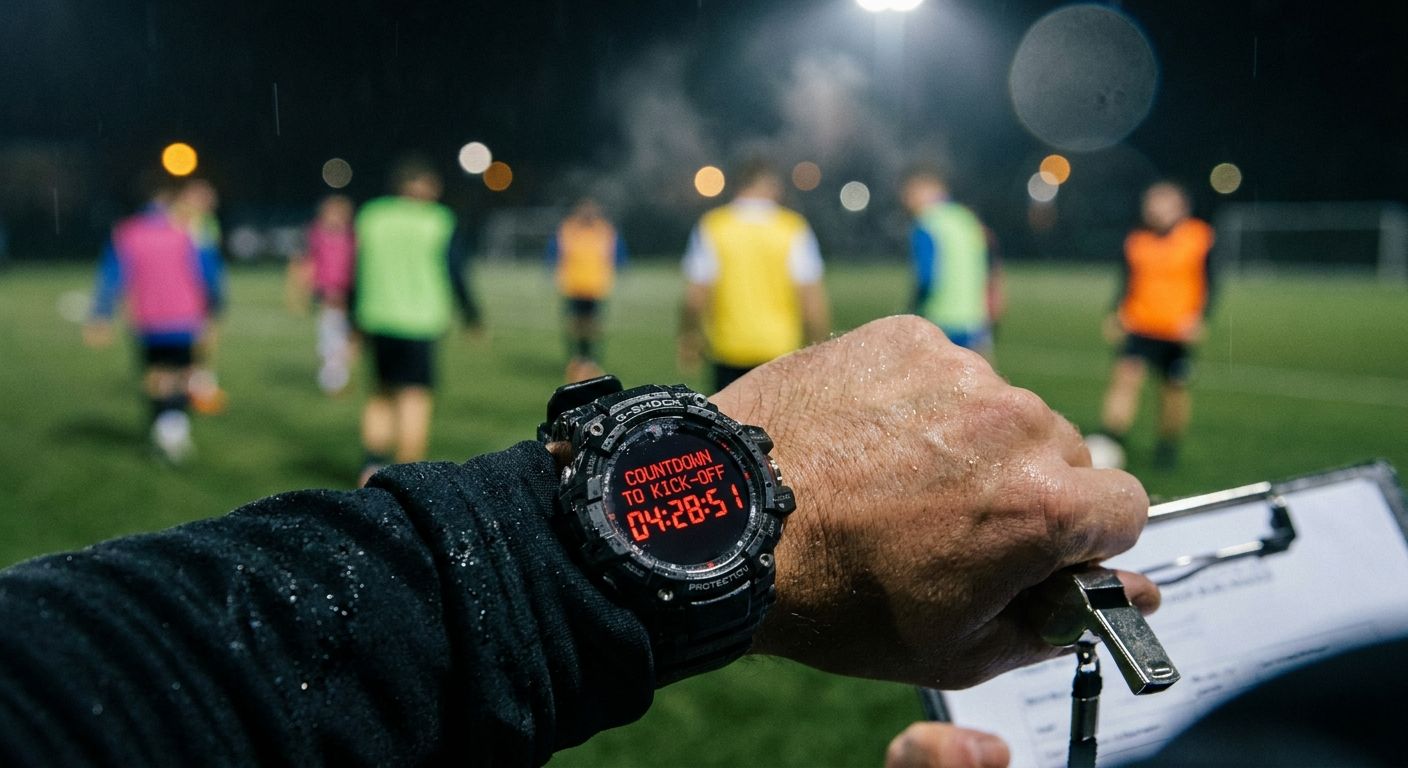
App to Find Substitute Players for Football Match Fast
Need an app to find substitute players for a football match? Fill empty spots fast with standby lists and one-action messaging instead of group chat chaos.
It's mid-afternoon and the pitch is booked for tonight. Two confirmed players just pulled out. You paste a plea into the big group chat, and within minutes it's buried under banter about last weekend's penalty.
Three people reply "maybe". One replies after kickoff. You end up texting names one by one, answering the same question about time and place every time.
That scramble is the problem this article fixes. If you want an app to find substitute players for a football match without the chat chaos, here is the workflow, step by step.
Find Substitute Players Before Kickoff, Not in the Group Chat
A substitute here means a standby who fills an empty spot before the match starts. It is not the in-match substitution tracker that most search results describe, and we won't touch lineups or rotations.
This is how to get subs for a football match when the game is hours away and you're short two.
The group chat fails at this job for a simple reason. It was built for conversation, not for collecting yes-or-no answers from specific people, so your request competes with every other message and the replies you need get lost in the scroll.
FootDraw takes a different route. The match already exists in the app, with its RSVPs, so you start from the people who are on record rather than from a blank message box. For the wider cleanup of your chat habits, there's a guide to running a five-a-side WhatsApp group without the chaos.
This workflow does not stop players dropping out. It makes the drop-out a ten-minute job instead of an afternoon of chasing.
Your RSVP List Already Shows Who Can Step In
Every match you set up in FootDraw collects responses. So when two players drop out, the substitute search starts from that list, not from memory and not from a chat thread.
If you haven't set up responses yet, start with our guide to an RSVP app for football teams. Everything below assumes the match and its RSVPs exist.
Start With Players Marked Available but Unconfirmed
Open the match and look at the responses. Find everyone who is marked available but hasn't confirmed.
These players are your first call. They've already said yes to this match, so you aren't persuading anyone. You're asking them to lock in something they've half agreed to.
A typical case: you have 10 confirmed for a five-a-side, two drop, and three players sit at "available" without a final yes. Contact those three first and you may fill the gap before you've touched a single reserve.
One message to that small group beats a plea to everyone, because the players who read it know it's meant for them.
Triage Everyone Else Before You Message Anyone
Before you send anything, sort the rest of the responses into three groups: declined, silent and unsure.
- Declined: leave them off the message. They told you no, and nagging them costs you goodwill for next week.
- Silent: they never replied, so they may not have seen the match at all. They're worth one message, but only after the available players and the reserves.
- Unsure: these players might say yes if they know a spot is open and the kickoff time suits them. They sit just behind the silent group in priority.
This takes a minute, and it saves you from the worst outcome of a last-minute scramble: messaging forty people so that six reply, none of them the ones you needed.
Tap Your Football Waitlist Before Anyone Gets a Message
If the available-but-unconfirmed players don't cover the gap, go to the reserve list for that match. You pull it up first and message second, so that you choose the audience instead of defaulting to everyone.
The list stays attached to the match. It isn't scattered across a chat thread, a notes app and your memory of who said "call me if you're stuck".
Who Belongs on a Five-a-Side Reserve List
Put regulars who've turned up before and told you they'll cover a spot at the top. They know the pitch, they know the group, and they won't be a surprise to anyone on the night.
Below them, add players who joined a game once and enjoyed it, and friends of regulars who want more games. Reserve players for five-a-side work best when they're a mix of reliable names and a few newer ones you'd like to see again.
You don't have to rank the list perfectly. You just have to know who you'd call first.
Invite More Standbys Than Spots You Need
If you're short two, don't invite two. Some standbys won't reply, some will already have plans, and one will reply after you've filled the spot.
Invite more than you need. A handful beyond the gap is a sensible start for a small-sided game, and you can adjust it as you learn how your own group responds.
The extra invitations are not rude. They're how you fill gaps without chasing the same person three times, and you can always close the list the moment enough players confirm. We cover that below.
Message Every Standby in One Action, Not One Reply at a Time
Here's where the time disappears for most organizers. Sending a standby message is easy. Sending ten of them individually, then answering the same three questions in each thread, is what eats the afternoon.
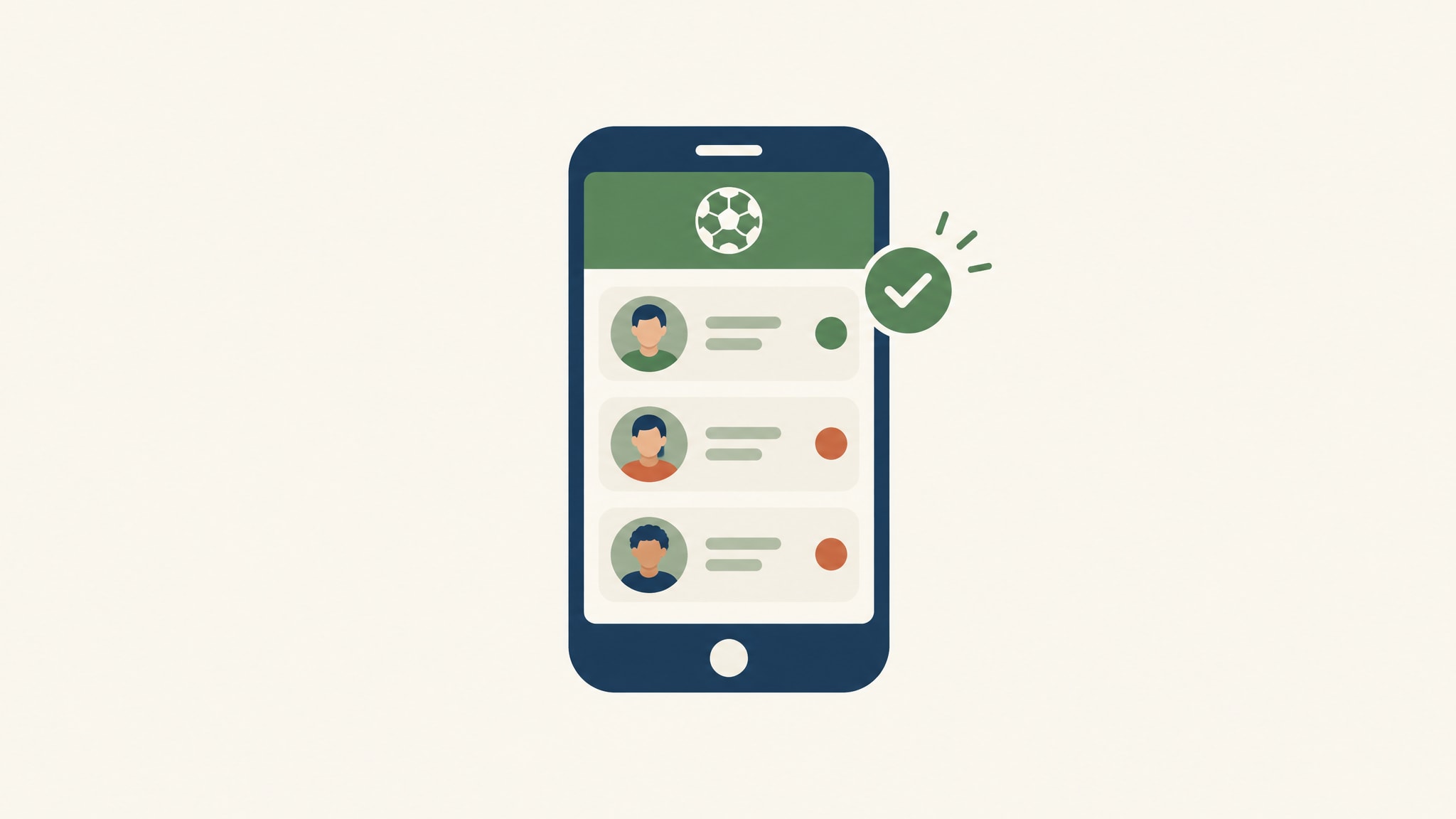
With one-action messaging, you select the standbys you want and reach all of them at once. That replaces both the group-chat post and the string of one-by-one texts.
One Message That Answers Every Question Up Front
Most follow-up questions are predictable, so answer them before anyone asks. Include:
- The date
- The kickoff time
- The meeting point
- A reply-by time
- A clear way to confirm
That's the whole message. A standby who reads it knows what, when, where, by when, and how to say yes.
The usual alternative is a stream of separate texts, each one answering the same question about time and place. One message with those details already inside clears most of the back-and-forth while the spot is still open, and you spend your energy on confirmations instead of repetition.
Write it in two or three lines. A standby is more likely to reply to something they can read at a red light than something that looks like a notice.
Close the Gap and Tell the Rest the Game Is Full
When enough players confirm, close the list. Then tell the remaining standbys the game is full, so the replies stop and nobody turns up expecting a spot.
This part matters more than it looks. A standby who gets silence after saying yes, or never hears back after replying, is less likely to say yes next time.
A short "we're full, thanks, you'll be first on the list next time" keeps your reserves willing. It costs you one message.
When Last-Minute Football Spots Stay Open, Decide Fast
Sometimes the message goes out and the spots stay open anyway. People are at work, on trains, or just not looking at their phones.
You don't want to find that out at 6:50 for a 7:00 kickoff. You want a rule that already decided what happens next.
Play Short, Move the Game, or Call It Off
Put the reply-by time in the message itself, before you send it. That turns the cutoff into a rule rather than a debate in the chat, because everyone read the deadline in the same message that asked for their help.
If that time passes and you're still short, you have three options. Pick one and tell the group which.
- Play short. If the pitch is booked and most players are there, a smaller game is better than no game. This works best at four-a-side or five-a-side, where one player fewer is still a real match, and it works worst when the numbers drop below what the format can handle.
- Move the game. If the pitch allows it and enough players say they can make a later slot, shifting the kickoff can save the night. Only do it if the people you need can confirm quickly, or you've just added a second scramble.
- Call it off. If neither option works, cancel early and say so clearly. An early cancellation is annoying. A late one, with players already on their way, is worse.
You make the decision once, tell everyone, and move on.
Turn No-Shows Into a Solved Problem With a Football Standby List
Drop-outs will always happen. What changes is how much damage they do, and that depends almost entirely on whether you have a list of people ready to step in.
A standby list doesn't make anyone show up. It makes the empty spot cheap to fill, which for most organizers is the real fix. If you want a consequence side too, read about how to track no-shows and match fees in one tool and the options for fining players for missed matches.
Keep the Standby List Current Between Games
After each match, spend two minutes on the list. Add the players who showed up, including any standbys who stepped in at short notice. Drop the ones who repeatedly said yes and didn't appear.
Season history helps here. It keeps a record of who turned up in earlier matches, so your standby list starts from players with a track record rather than from your memory of who seemed reliable.
You can also use weekly availability to decide who gets called first. If you want a simple routine for it, here's how to keep track of who's playing each week.
Do this each week and the next drop-out becomes a quick job: check the unconfirmed players, tap the list, send one message.
Set Up Your Standby Workflow Before Your Next Football Match
You don't need to wait for the next crisis. The best time to build this is when everyone is still showing up.
Here's the setup, in order:
- Create your account and your next match. Add the date, time and pitch so the match exists in FootDraw.
- Send the RSVPs. Players respond to the match itself, which gives you the available and unconfirmed groups you'll need later.
- Build your standby list. Add your regulars who've offered to cover, then a few newer players you'd like to see again.
- Write your standby message once. Date, kickoff, meeting point, reply-by time and how to confirm. Reuse it each time you're short.
That's about it. When a player drops out, you already know who to contact and what to say.
If you're still weighing your options, you can compare FootDraw plans before you commit. More than 1000 teams worldwide already use FootDraw to run their games without the spreadsheets and the chat chaos.
Create your FootDraw account today, set up your next match, and build the standby list before the next player drops out.
Готовы организовать свою футбольную команду?
Создавайте сбалансированные команды, организуйте матчи и отслеживайте статистику — всё в одном месте.
Создать команду